
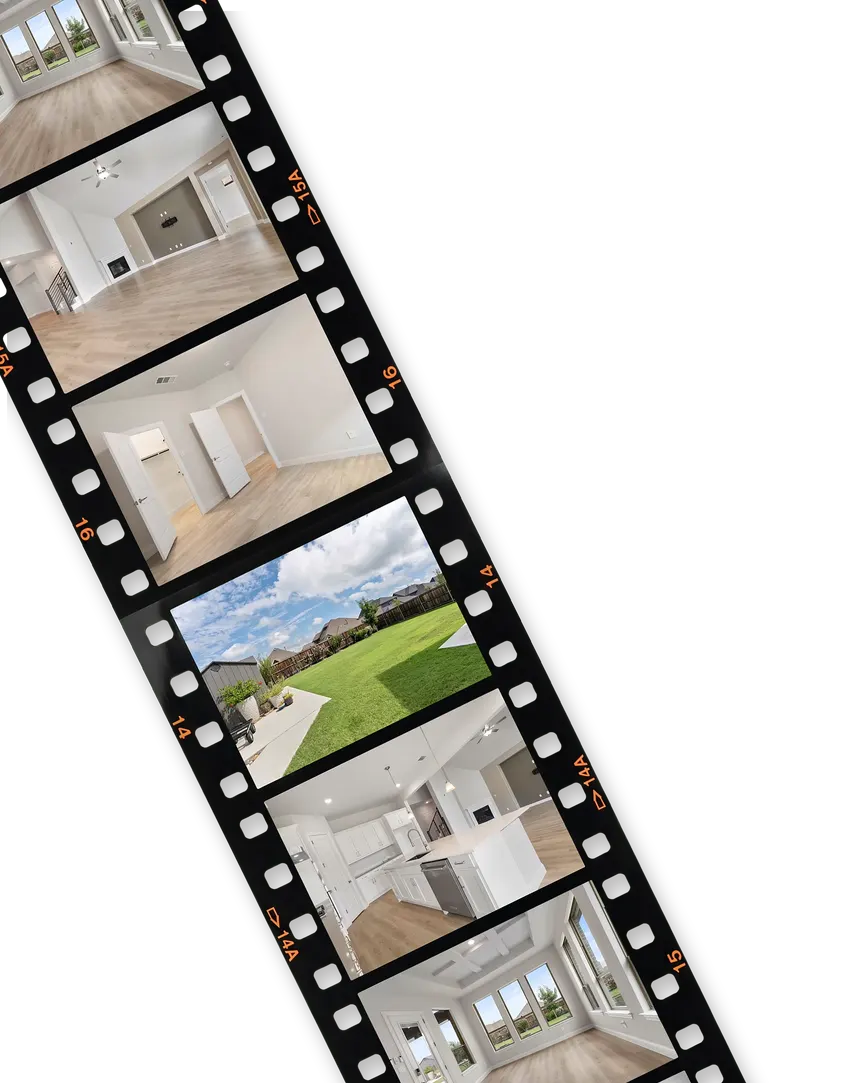
Your listing photos are already a video. We just make it move.
Usually within the hour. Pay per video. No subscription.
How it works
You have a live listing, pro photos, and no video budget. This is the whole process.
-
STEP 1
Find your listing
Type the address and we pull the photos from the listing. Or paste the Zillow or Realtor.com link, or upload 5 to 40 photos by hand. Our planner labels each room and puts the photos in a sensible order.
-
 STEP 2
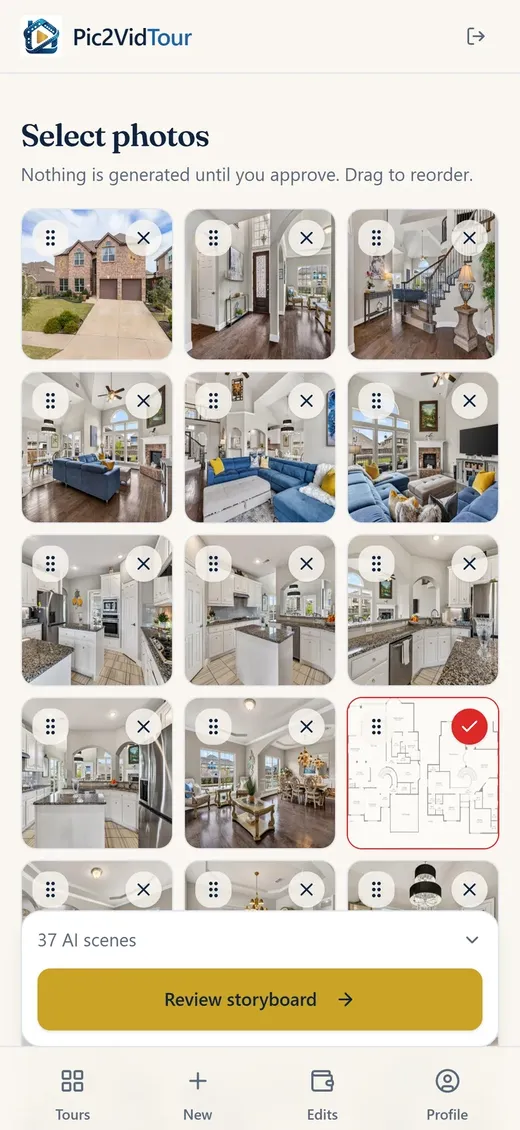
Approve a priced storyboard
You see the whole plan before anything runs: every scene, the camera move it will get, and the total. Tap a photo to exclude it and the price drops.
30 photos + music = $45.00
-
 STEP 3
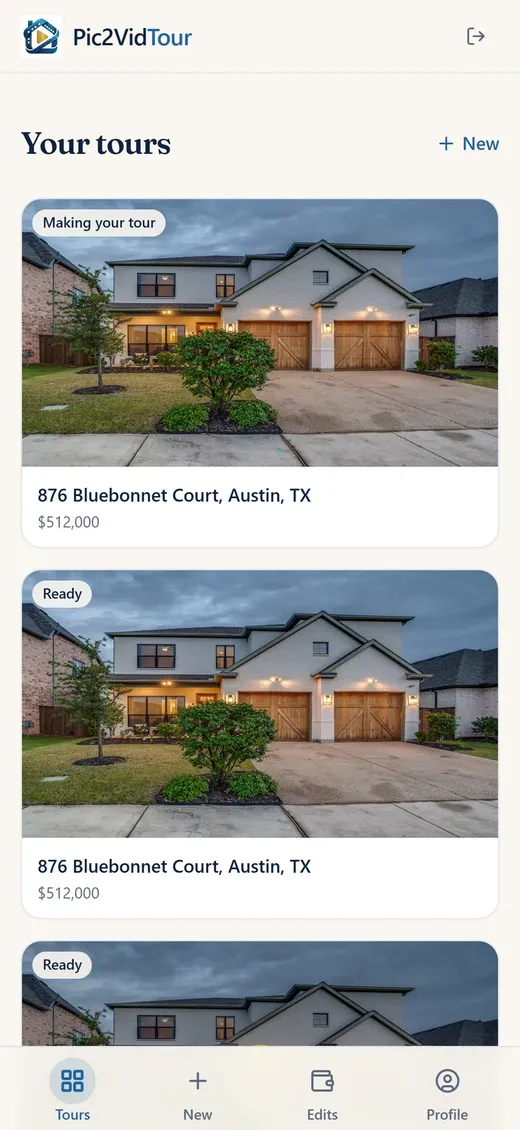
Walk away. Get one notification.
We generate every scene, quality-check each clip, and cut the tour to the beat. You get a 16:9 master for the MLS and YouTube plus a 9:16 vertical cut for Reels, and a share link.
-
 STEP 4
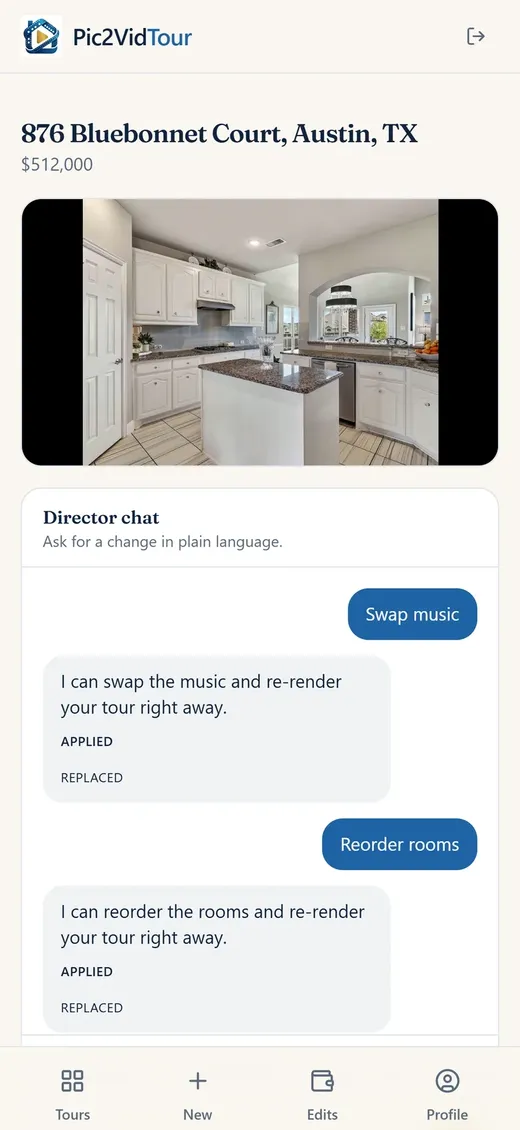
Edit by chatting with the director
Different music, a room moved, a tighter cut, a new price banner — type it like you would text your videographer. Re-filming a scene with AI is $0.65, and the chat shows the price and waits for your OK.
free edits, unlimited
Same photo. Now it moves.
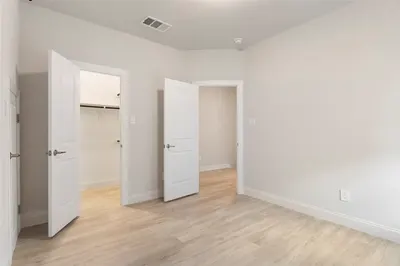
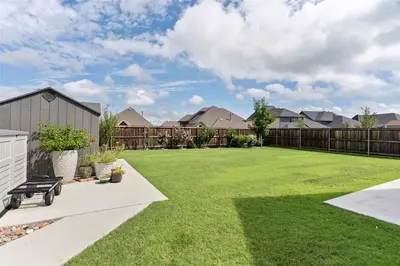
Six rooms from one of our own listing tours in Wylie, Texas. On the left, the listing photo the agent already had. On the right, the scene Pic2VidTour made from it — nothing added that was not in the photo.
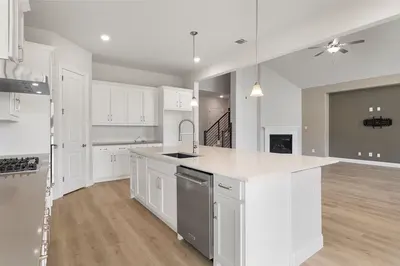 Photo
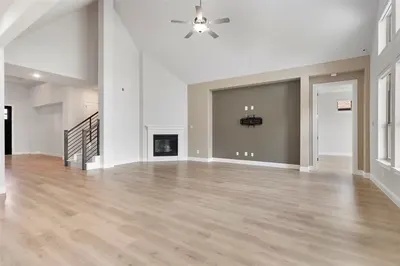 Photo
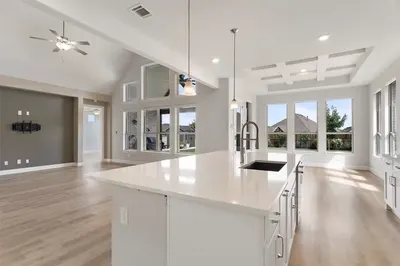 Photo
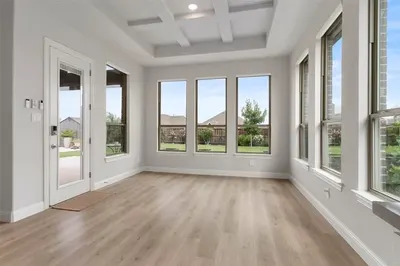 Photo
 Photo
 Photo
Pay per video. That’s it.
$1.50per AI scene
No subscription. No monthly fee in the months you have no listings. You buy credits, and credits only leave your account when you say go.
- Photo pans, music and your contact card are included. A small condo and a 4-bed estate get different quotes automatically.
- The photo-selection screen is the quote screen. Toggle a photo off, the price drops, live.
- Editing is free. Really. Music, order, trims, labels, price banner, contact card — unlimited.
- Re-filming one scene with AI is $0.65, quoted in the chat before it runs. One automatic quality re-roll per flagged scene is already in your price.
- A failure on our side is credited back automatically.
- Pay as you go. Buy a pack when you have a listing. No monthly bill.
A pack is worth exactly its face value. On the web you pay through Stripe; in the iPhone app, through the App Store.
Your name is the whole point
Every tour is branded to you: your headshot, your name, your phone, your brokerage — on the video your sellers and their neighbors will actually watch.
The tour opens on the address and closes on your contact card, matched to the music and the pace of the cut. It looks produced, because it is. Swapping or editing your card is always free, and you can leave the card off any tour with one tick box before you pay.
When a seller asks “who did your listing video?”, the answer on screen is you.
sample closing card
A videographer that never leaves the photos
Cinematic push-ins, cut to the beat
Each photo becomes a slow, steady camera move. Scenes change on the music's beat with a dip to black, so the whole tour feels edited, not stitched.
Licensed music, matched to the house
A vault of licensed instrumental tracks, from calm luxury to upbeat house. Ask the director for “more energy” and it swaps the track for free.
Quality-checked before you see it
Every clip is checked for warped walls, moving cars, invented furniture and rooms that do not match the photo. A flagged scene is re-filmed once at no charge; if it still fails, it ships as a clean photo pan instead.
16:9 for the MLS, 9:16 for Reels
Both cuts come back together, finished at 1080p, plus a share link you can text to a seller. Download and post anywhere.
A director who remembers the listing
“Swap the music.” “Put the kitchen before the living room.” “Trim the scene at 1:17.” Free edits re-render in minutes. Paid re-films are quoted first, every time.
Built for MLS compliance
An “AI-enhanced video” disclosure caption ships on every export, on by default. And because we only animate real photos, the tour never shows what the house does not have.
Built to keep you compliant
Real photos only. We never invent rooms.
Every scene in your tour is animated from a photo of the actual property. We will not generate a wine cellar the house does not have, we will not add a car to the driveway, and nothing in a room moves that was not moving in the photo. That is a hard rule in our pipeline, not a setting.
AI disclosure, handled.
MLS and board rules on AI-enhanced media vary. Every export ships with an “AI-enhanced video” disclosure caption, on by default. If your board wants disclosure, you already have it. If it does not, it is one toggle.
Your photos stay yours.
Listing photos and brand assets are stored privately while your account is active, so free re-edits stay instant, and are deleted when you delete your account. Read the rules in the Help Center.
- Listing agents
- Brokerage teams
- New-construction sales
- Luxury listings
- Condos & townhomes
- Vacation rentals
- Property managers
- Real estate photographers
- Investors flipping a home
Questions agents actually ask
Do I have the rights to use my listing photos this way?
That is between you and your photographer’s license, and most agent agreements cover marketing use of the listing. At upload you confirm you have rights to the photos — the same responsibility you already carry when you post them to the MLS, Zillow, or Instagram. We do not resell or reuse your photos.
How fast do I get my video?
Usually within the hour, start to finish. You do not wait on a progress screen: upload, approve the price, leave. We send one notification when the finished tour is ready.
What does a tour cost?
It depends on the house, and you see it before you commit. AI scenes are $1.50 each; photo pans, music and your contact card are included. A typical 30-photo listing quotes about $45, and you can switch photos off to bring it down. Nothing generates until you tap the priced button.
What if a scene comes back bad?
Every clip is quality-checked automatically, and one re-roll per flagged scene is already built into your quote. If a generation fails permanently on our side, the credits come back to your account automatically. Failures are on us. Taste changes beyond that are re-films at $0.65 a scene, quoted before they run.
Which edits are free?
Anything that does not re-shoot a scene: swap the music, reorder rooms, trim scenes, change room labels, update the address or price banner, drop a room, swap your contact card. Unlimited, $0. Re-shooting a scene (“redo the kitchen, slower”) is the paid kind: the director tells you the price first and waits for your OK.
Will this get me in trouble with my MLS?
Board rules on AI-enhanced media vary, which is exactly why every export includes an “AI-enhanced video” disclosure caption, on by default. And because we only animate your real photos, never generating rooms or features the house does not have, the tour never misrepresents the property. Check your board’s current guidance; the disclosure toggle keeps you covered.
Do I need a subscription?
No. The app is free. You pay per video with credits, and you only need it when you have a listing. Buy a pack once and spend it tour by tour.
What photos work best?
The pro photos you already ordered, 5 to 40 per listing. Wide interior shots of the main rooms (front exterior, living, kitchen, primary bed and bath) carry the tour. Floor plans are used for planning only and never appear in the video. You can exclude any photo with one tap, and the price updates as you do.
More detail in the Help Center.
your listing, next
Photos in. Branded tour out.
Find your listing, see the exact price, and pay only for the video you make. No subscription.
iPhone and Android. At your desk? Start in your browser — the same account works in the app.